


Quick Answer
For most small business owners, buying a website by hiring a professional is the better call. Trying to build your own website is possible, but building from scratch usually means being fairly tech savvy or bringing in a web developer anyway, and a functional, mobile-optimized site still takes roughly 150–200 hours. At $100 an hour of your time, that’s $15,000–$20,000 in opportunity cost before you account for the business you didn’t generate during the 30+ weeks it would have taken. A professional team can have your site live in 2–4 weeks, often with the technical support and website maintenance that keep it secure and working after launch. If you’re a small-to-medium sized business owner weighing that decision, this guide breaks down the time, cost, and trade-offs of DIY vs. hiring help, when it makes sense to outsource, what ongoing maintenance and support involve, and which builders to consider if you still want to build your own website — including WordPress.com, Wix, Squarespace, and Square Online.
You’ve decided your business needs a website. Now the real question: should i build or buy a website?
If your goal is a modern, conversion-focused site that helps generate leads without draining time and resources from the rest of your business, hiring a professional is usually the smarter move. Both paths can work, and the sections below will help you compare them clearly before you commit.
The Real Cost of Building Your Own Website
The appeal of DIY is obvious — builders like Wix and Squarespace make it look achievable, and the subscription cost is low. What the marketing doesn’t show is the time. Over 91% of consumers search online for goods or services, and 84% view a business with a website as credible.
A simple website that works properly on both desktop and mobile takes roughly 150–200 hours to build from scratch. The upside is complete control over design and functionality, plus total customization, ownership, and freedom to create exactly what your business needs. That includes the decisions most people underestimate:
-
Deciding who the site is for and what it needs to accomplish
-
Writing every section of copy (most people spend far longer on this than expected)
-
Choosing, editing, and formatting images
-
Building and formatting every page
-
Figuring out how the page builder works — and re-learning it every time you get stuck
-
Testing mobile responsiveness and fixing what breaks
-
Setting up a call-to-action that actually works
-
Connecting web hosting, your domain name, SSL, and everything else that needs to be set up once
If you worked on your site for 5 hours a week — more than most busy business owners can consistently manage — you’d be done in about 35 weeks. A professional team can have a comparable site live in 2–4 weeks.
What that time actually costs you
If your time is worth $100 an hour (a conservative figure for most business owners), 175 hours of work equals $17,500 in time cost — before you factor in the 31 weeks where you had no website generating leads, delaying search engine optimization gains that help drive traffic, and SEO can significantly increase your website traffic. Every week without a live site is a week you’re not appearing in search results for potential customers.
That’s not an argument against DIY in every case. It’s an argument for doing the math honestly before you start.
When to Hire a Professional Web Designer
If any of the following describe your situation, hiring out is almost always the right answer:
-
Your business depends on generating leads or appointments through your website, especially if it needs complex e-commerce or booking functionality
-
You don’t have 5+ hours a week to dedicate to it
-
You need the site live in weeks, not months
-
You want features beyond a basic information site — booking, login portals, e-commerce, custom forms
-
You want ongoing support so you’re not the one dealing with updates, security issues, and maintenance, and so a web designer or professional developer can handle managed services if needed
For a small business, website cost for a professional website often falls in the $2,500–$10,000 range, which is often lower than the true time cost of DIY. You can also enroll in a maintenance plan with your web designer.
Our WordPress Web Design process is built around small business websites, and most projects are live within 2–4 weeks. If you want to know what it would cost and what would be involved, start with a free consult to choose the right partner for your project.
If You Want to Build It Yourself with Website Builders
A diy website is a legitimate temporary or hybrid option — especially if you’re early stage, budget-constrained, or validating a business idea before investing in a custom website. The four builders below cover most small business needs. If you’re deciding whether to build a website or hire help, a pre-made platform usually makes sense for standard small business sites with limited budgets because the initial money outlay is lower.
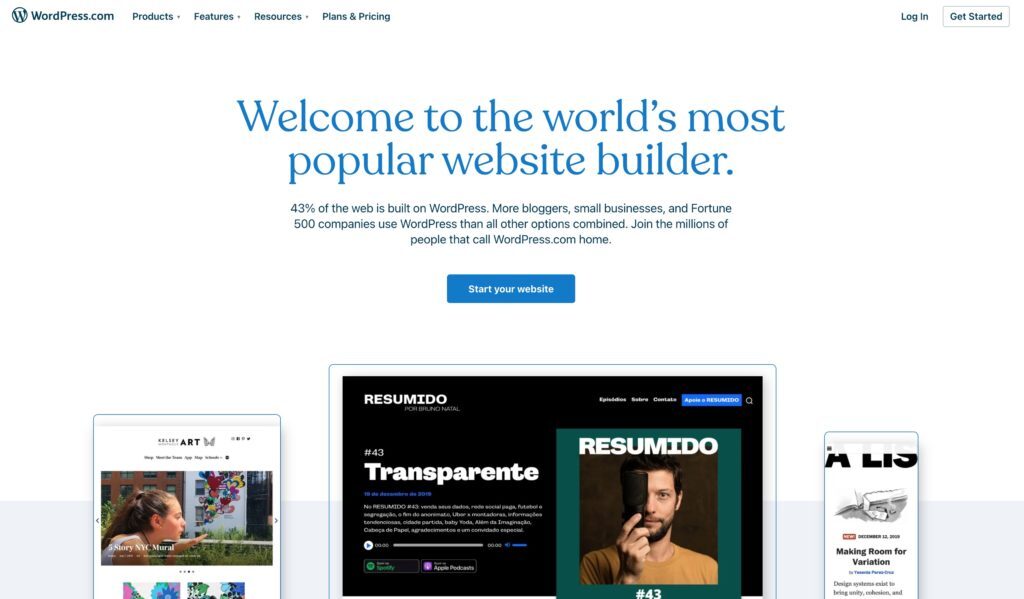
WordPress.com
Quick clarification first: there are two products with WordPress in the name, and they’re meaningfully different.
-
WordPress.org is the open-source, self-hosted CMS software — the one used by roughly 40% of all websites on the internet, and the platform professional agencies (including us) build on. You download the software and manage your own hosting, which gives you complete control, total customization and ownership, and access to the full ecosystem of plugins and themes.
-
WordPress.com is a hosted website builder from Automattic, the company that also maintains WordPress.org. It’s more like Wix or Squarespace — you pay a subscription and they handle the hosting. You get a simpler setup experience, but significantly less flexibility.
For DIY purposes, WordPress.com is the relevant option if you want to build your website with less technical setup. It’s a solid choice if you want a clean blog or straightforward informational site, and don’t need advanced functionality. If you ever outgrow it and want to move to WordPress.org, that transition is possible but requires some work, and it’s often the point where businesses need custom features or more ownership than a limited platform can offer.
WordPress.com at a glance:
-
Good for basic websites and blogs
-
Limited customization compared to WordPress.org
-
Simpler to manage without technical knowledge
-
Upgrade to business or e-commerce plans for more features
-
Pricing: verify current plans at wordpress.com/pricing before publishing
Wix
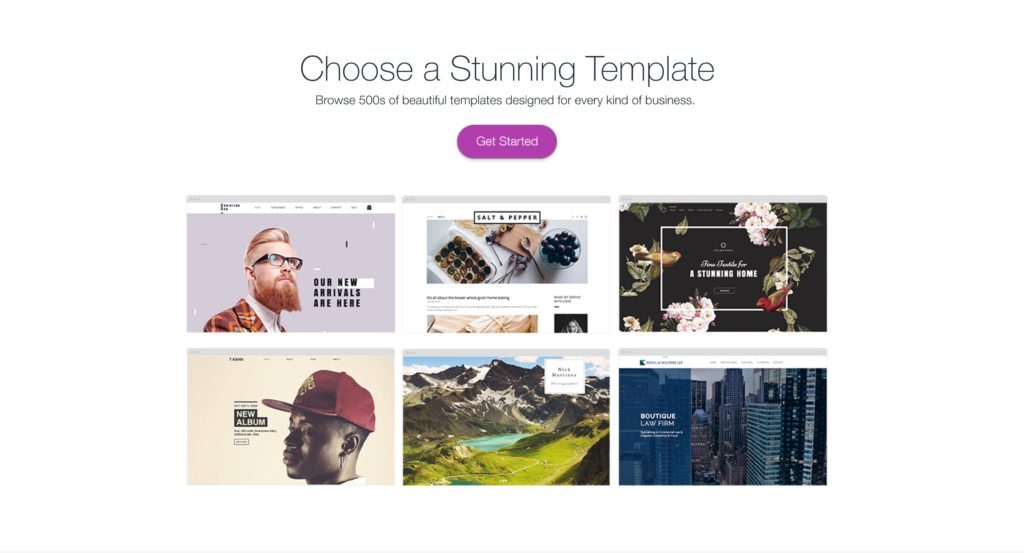
Wix is one of the most popular DIY website builders and is genuinely easy to use — it can even generate a starter site for you based on a few questions about your business, helping you save time and launch a basic site faster than with a custom build. The defining characteristic of Wix is freedom: you can place any element anywhere on the page with pixel-level precision, which is great if you have a specific vision and are more hands on with design choices.
The flip side of that freedom is less structure. Unlike builders that guide you through a logical page layout, Wix expects you to make those decisions yourself. Mobile optimization also requires separate effort — Wix doesn’t automatically adapt your desktop layout for mobile, so you’ll need to review and adjust the mobile version independently.
Wix at a glance:
-
Very user-friendly; can generate a starter site automatically
-
Maximum design flexibility (pixel-precise element placement)
-
Hundreds of templates across categories
-
Mobile layout requires separate configuration
-
Good range of add-on apps for booking, chat, and other features
-
Once you choose a template, switching it means rebuilding your content
Pricing: some entry-level plans from builders can be as low as about $5/month, and buying a pre-made website usually means faster setup, faster launch, and lower upfront cost; verify Wix’s current basic plan at wix.com/upgrade/website
Squarespace
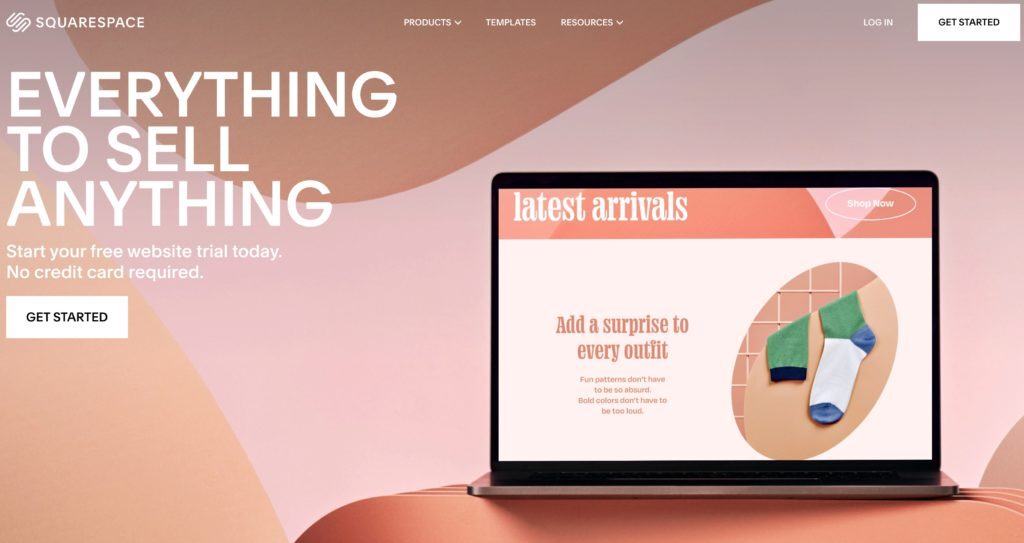
Squarespace is the better choice if you want a site that looks polished without spending a lot of time on design decisions, especially for a polished personal website or service business site where you do not want to make every design decision yourself. The templates are structured — you work within a grid rather than placing elements freely — which means less visual clutter and a more guided building experience, at the cost of less pixel-level control.
Squarespace templates tend to be design-forward and work well for creative businesses, hospitality, and service providers who want a premium aesthetic out of the box. It also has solid built-in marketing tools, plus online marketing support for standard needs, stock photos available directly in the editor, and e-commerce functionality on paid plans.
Squarespace at a glance:
-
Strong, professionally designed templates
-
Grid-based layout — guided, not freeform
-
Easy to use; less design expertise required
-
Built-in marketing and analytics tools
-
Stock photos available within the editor
-
E-commerce and advanced features on higher-tier plans; standard features are often enough unless your business grows and you need deeper customization
-
Pricing: starts around $16/month personal, $23/month business; verify current plans at squarespace.com/pricing
Square Online
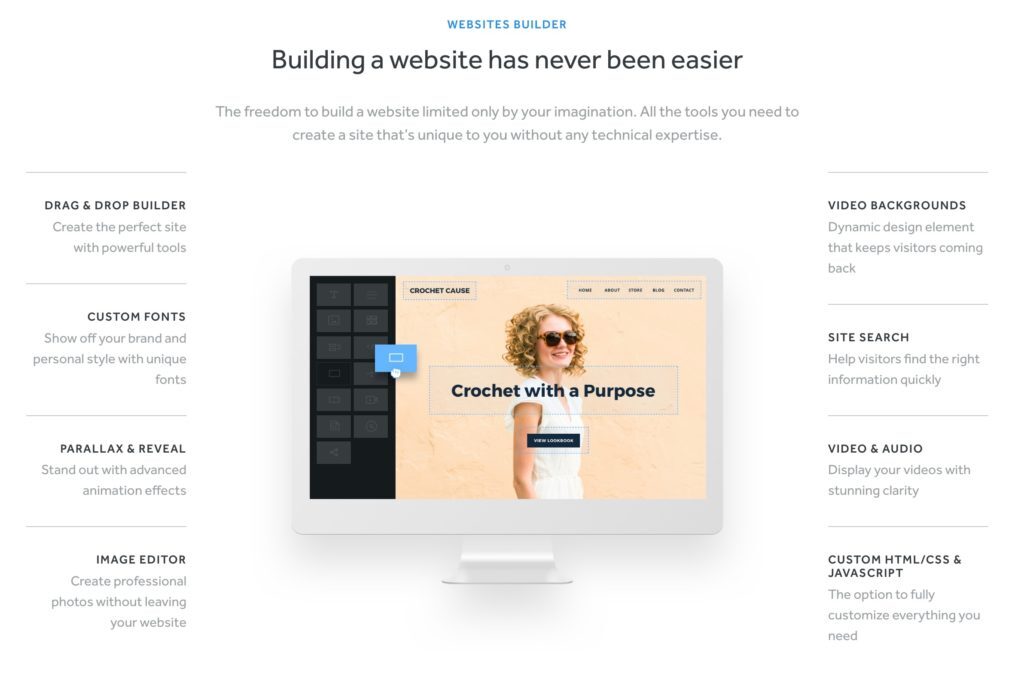
Square Online (formerly Weebly, which Square acquired and has been transitioning to its own platform) is a solid choice for small businesses — especially those already using Square for in-person payments, since the integration is seamless. It’s one of the more beginner-friendly builders, with a structured, guided experience and a good library of add-on apps.
The design flexibility is more limited than Wix or Squarespace, but for small businesses that want to get something live quickly without a steep learning curve, it works well. The free tier can make a free website appealing for lowering upfront cost, but paid plans usually offer better branding and support, and most DIY builders still have limited customer support. Some providers also promote a free website builder or DIY plans that start around $5 per month, and Website.com offers a free website builder with domain registration, but businesses should confirm what is actually included before choosing.
Square Online at a glance:
-
Very beginner-friendly
-
Natural fit if you’re already using Square for payments
-
More structured, less design freedom than Wix
-
Good app library for extending functionality
-
Strong for simple e-commerce, but verify checkout setup basics like contact info, domain details, and support
-
Email marketing tools available (may be separate cost)
-
Check squareup.com/us/en/online-store for current pricing
Frequently Asked Questions
Should I build or buy my website as a small business owner? For most small business owners, hiring a professional is the better investment — the time cost of building your own site (150–200 hours) typically exceeds the cost of hiring a team, especially when you factor in the weeks of lost lead generation. In most cases, a professional site is more likely to support stronger conversions over time. DIY makes more sense if you’re early stage, budget-constrained, or just need a simple informational presence.
How long does it take to build a website yourself? A simple, properly functioning website built from scratch typically takes 150–200 hours. At 5 hours a week, that’s roughly 35 weeks. A professional web team can deliver a comparable site in 2–4 weeks.
What is the best website builder for a small business? It depends on your priorities and whether you need a basic site now or a more custom website later. Wix is best for maximum design freedom; Squarespace is best for polished templates with less design effort; WordPress.com is best for blogs and simple sites; Square Online is best for businesses already using Square for payments or those who want simple e-commerce.
What is the difference between WordPress.com and WordPress.org?WordPress.org is the free, open-source CMS software (self-hosted) used by roughly 40% of all websites — the professional-grade platform most web agencies build on. WordPress.com is a hosted website builder service using the same software, managed by Automattic. WordPress.com is simpler to set up but significantly less flexible. Most small businesses working with a professional agency will be on WordPress.org.
Is Wix or Squarespace better for a small business? Wix gives you more design freedom and is better if you have a specific visual in mind. Squarespace gives you more structured, design-forward templates that look polished with less effort. Both work well for small businesses — Wix is better for those who want control, Squarespace for those who want a guided, lower-effort experience.
What happens after I build my own website? Ongoing maintenance is the part most DIY builders don’t plan for — plugin updates, security patches, backups, performance monitoring, and content updates, and over time those costs can exceed the initial build once hosting, updates, and maintenance add up. If your site is not mobile friendly, it can be demoted in search engines, create a worse experience on mobile devices for people browsing on a mobile phone, and cost you website visitors. Whatever platform you build on, budget time for this or look into a maintenance plan. See our article on website maintenance plans for what this typically involves.
Conclusion
If your website needs to actively generate leads or revenue, the strongest move is working with a professional team — you’ll get a better result, faster, for less total cost than the DIY path, while building a professional online presence that strengthens customer trust, brand recognition, and supports growth. If you want to build it yourself, any of the four builders above will get you to a functional site; but custom builds are better when you need beautiful websites, unique functionality, unlimited flexibility for website design, or the entire website tailored as the business scales.
Ready to talk through what your site should do and what it would take to build it right, including setting up your own domain name? Book a free consult or take a look at our WordPress Care Plans for ongoing support after launch.
